
Here is how to manage contacts in mattes in LawToolBox:
- Within a matter from an email or search database
- Within contacts through the waffle menu
- Within admin portal to add, import, see all associated matters, tags and more
Watch our recent webinar on Managing Contacts
_________________________________________________________
1) In a matter:
Using the outlook add-in, click on the matter name that you would like to add contact to.
Open the action menu > Manage Contacts

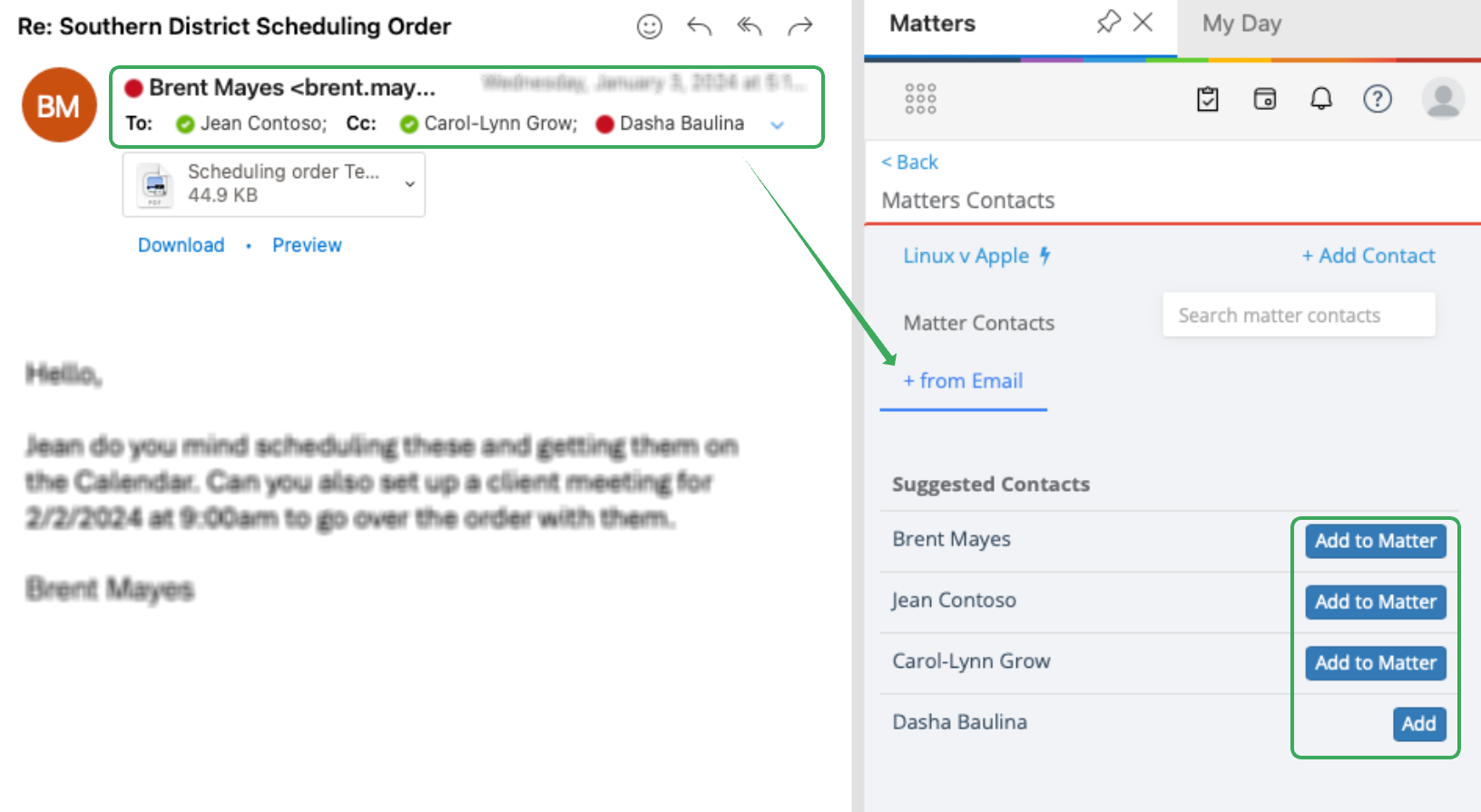
You can save any contact info from an email you are viewing inbound or sent
- Just click on + from Email
- This reads the email cc and you can add to matter, assign tags and add notes
+ From Email:
 |
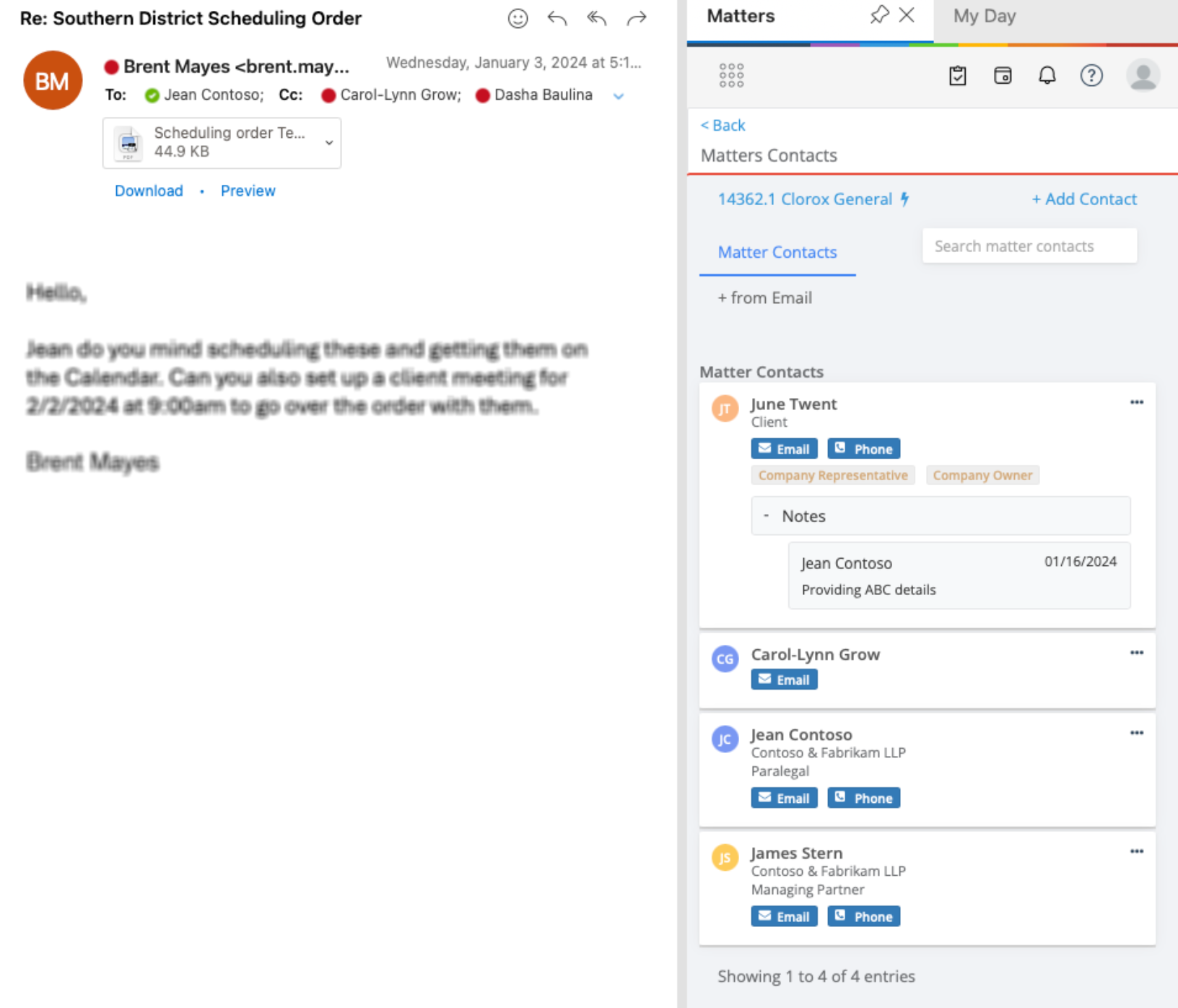
Matter Contacts:
 |
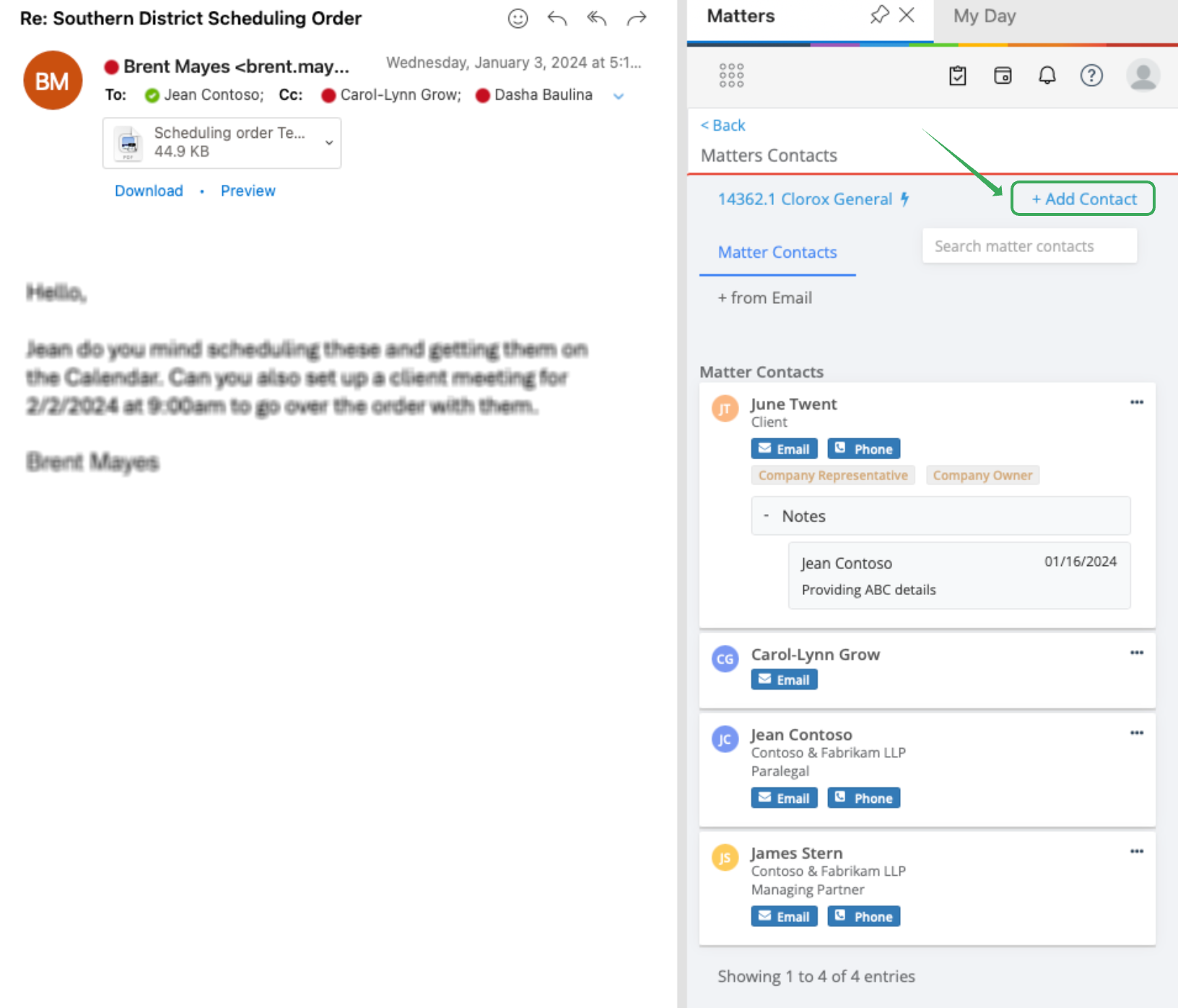
Add Contacts:
 |  |
_________________________________________________________
2) In "contacts":
This allows you to add contacts to LawToolBox without adding it to a specific matter.
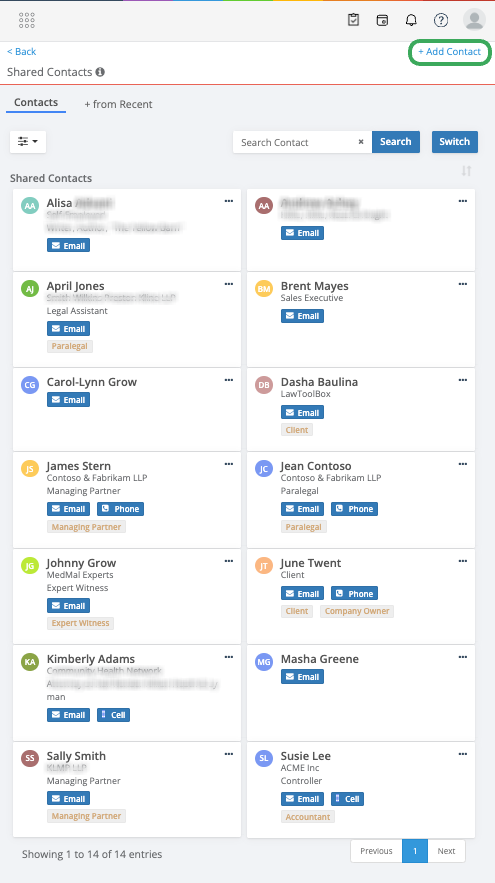
Go to "contacts" under the waffle menu to add new contact: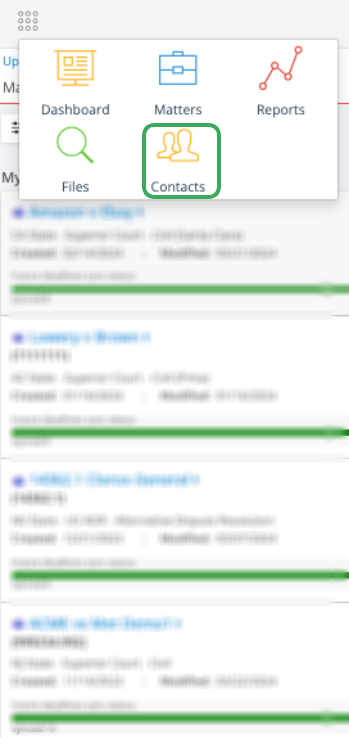
Click on + Add Contact
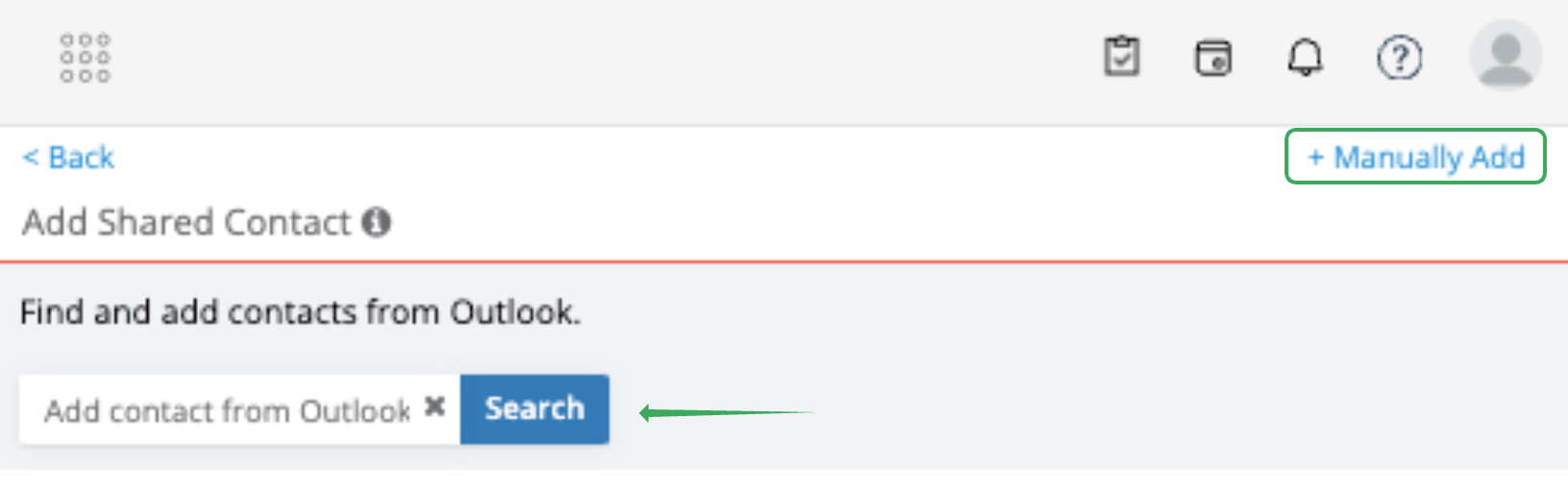
Click + Manually Add (if adding a contact from scratch)
_________________________________________________________
3) In admin portal
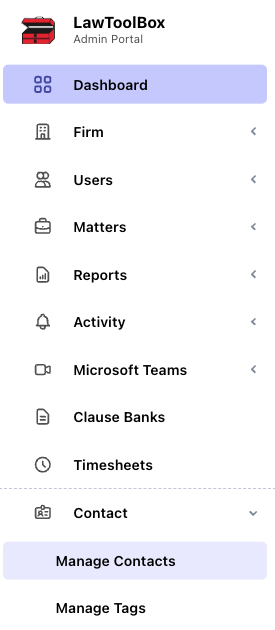
admin.lawtoolbox.com > manage contacts
- Add new, import or manage existing contacts
- https://admin.lawtoolbox.com/contact
Learn More: