
This article will walk you through how to purchase LawToolBox licenses through Microsoft.
Here you will see what key items to look for; where to place the order; and how to activate and enable your purchased licenses.
__________________________________________________________
A. Key items to look for:
- Order Quantity
- Make sure you purchase in the appropriate tiered pricing bracket
- Make sure you are familiar with the 72-hour Microsoft Refund Policy & Microsoft Cancelation Policy
- Payment schedule (Monthly or Yearly)
- Billing address and payment details
- Automatic Renewal (on)
- Make sure the billing is set for auto-renew during purchase or modify later.
- See SaaS subscription lifecycle management article
__________________________________________________________
B. Where to place an order:
1. Microsoft App Source
- Microsoft App Source > Search "LawToolBox" & Get it now
- Jump to AppSource listing
2. MSP Partner Catalog (Recommended)
- MSP Partner Catalogue > Search & Place order
- Available in Direct CSP: How to purchase - Direct CSP
- Available in Indirect CSP: Pax8, TDSynnex, Sherweb (request access to SKU)
- Not yet available in IngramMicro
3. Azure Marketplace (Enterprise)
- LawToolBox app is Azure benefit eligible. Microsoft Azure Consumption Commitment (MACC) Learn more
- Azure Marketplace > Search & Place order
- Jump to the Azure listing
4. Teams Admin Center
- Teams Admin Center > Teams apps > Manage Apps > Search & Place order
- Jump to Teams Admin Center listing
__________________________________________________________
Order: Microsoft App Source
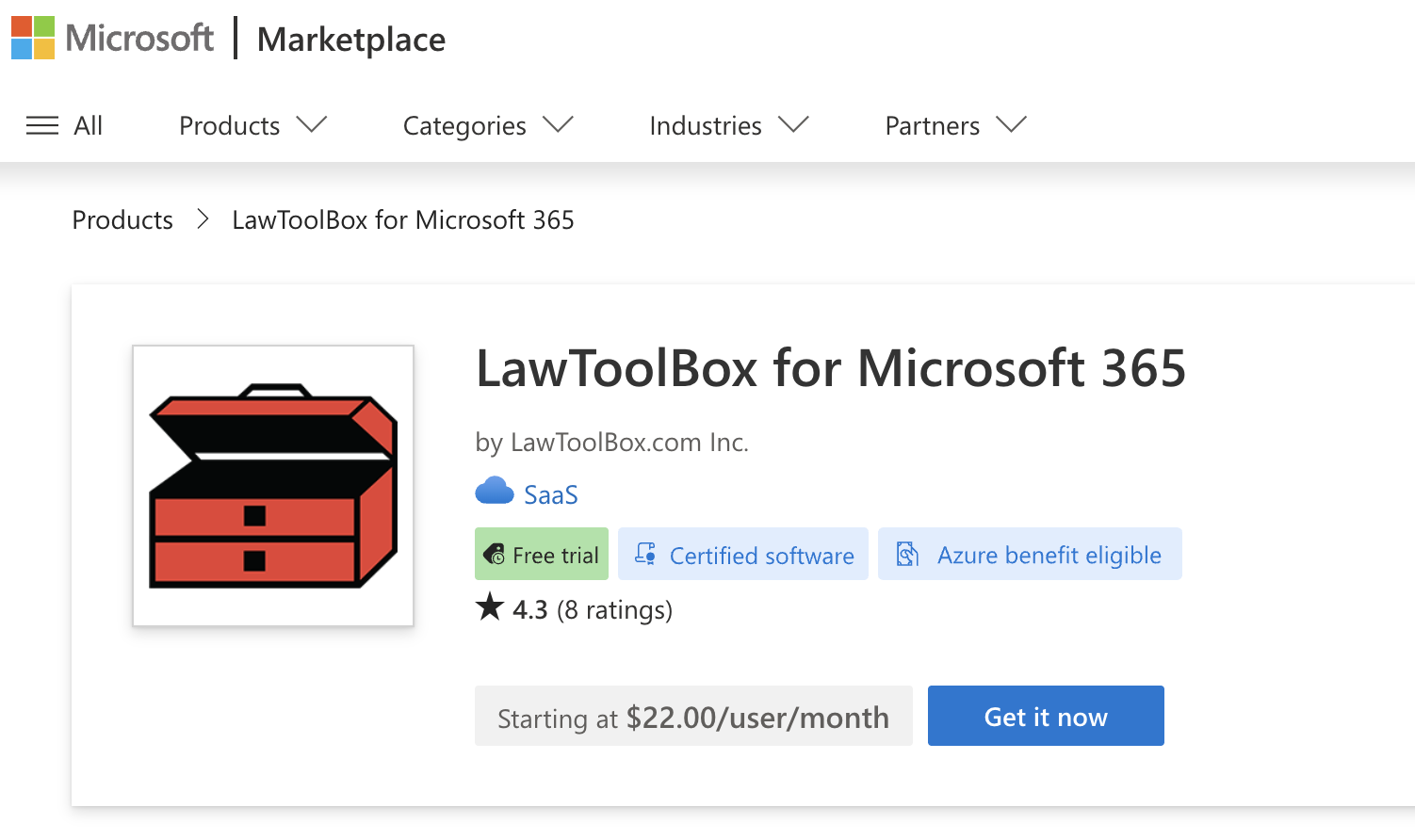
- Go to Microsoft AppSource and Search for LawToolBox
- Click "Get it now" for the SaaS offer
- Select your plan, number of users, and payment plan
- Make sure your sold-to and billing information is correct and & place your order
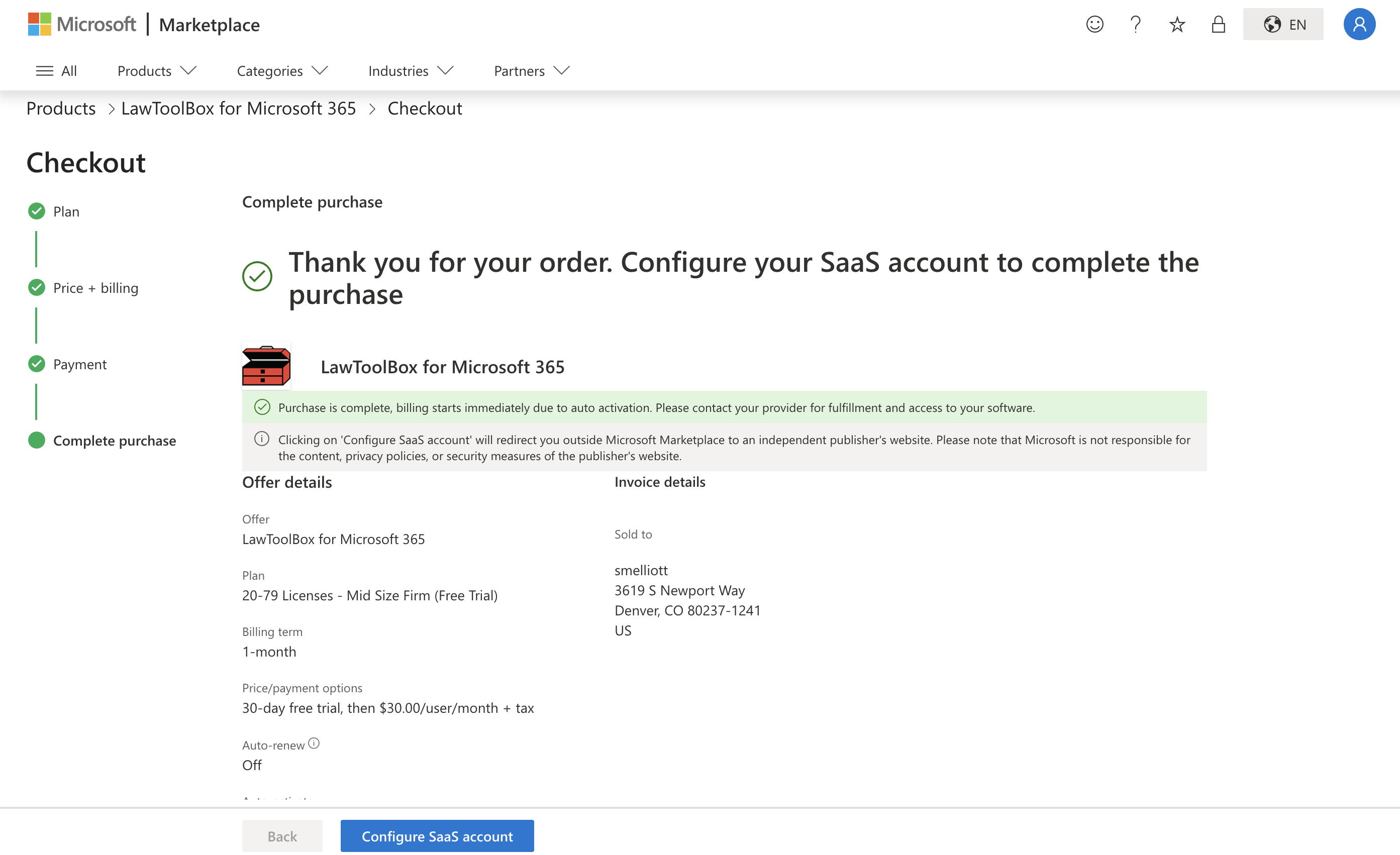
- After the product is purchased, follow the prompts to setup the firm
Select the SaaS App:
Select Plan:
Make sure to select the right price brackets for maximum discounts on the per-user cost

Price + Billing:
Select 1-year billing term for maximum discounts
Payment:
Make sure your sold-to and billing information is correct and & place order
Complete Purchase & Configure SaaS Account
Add your account details and submit.
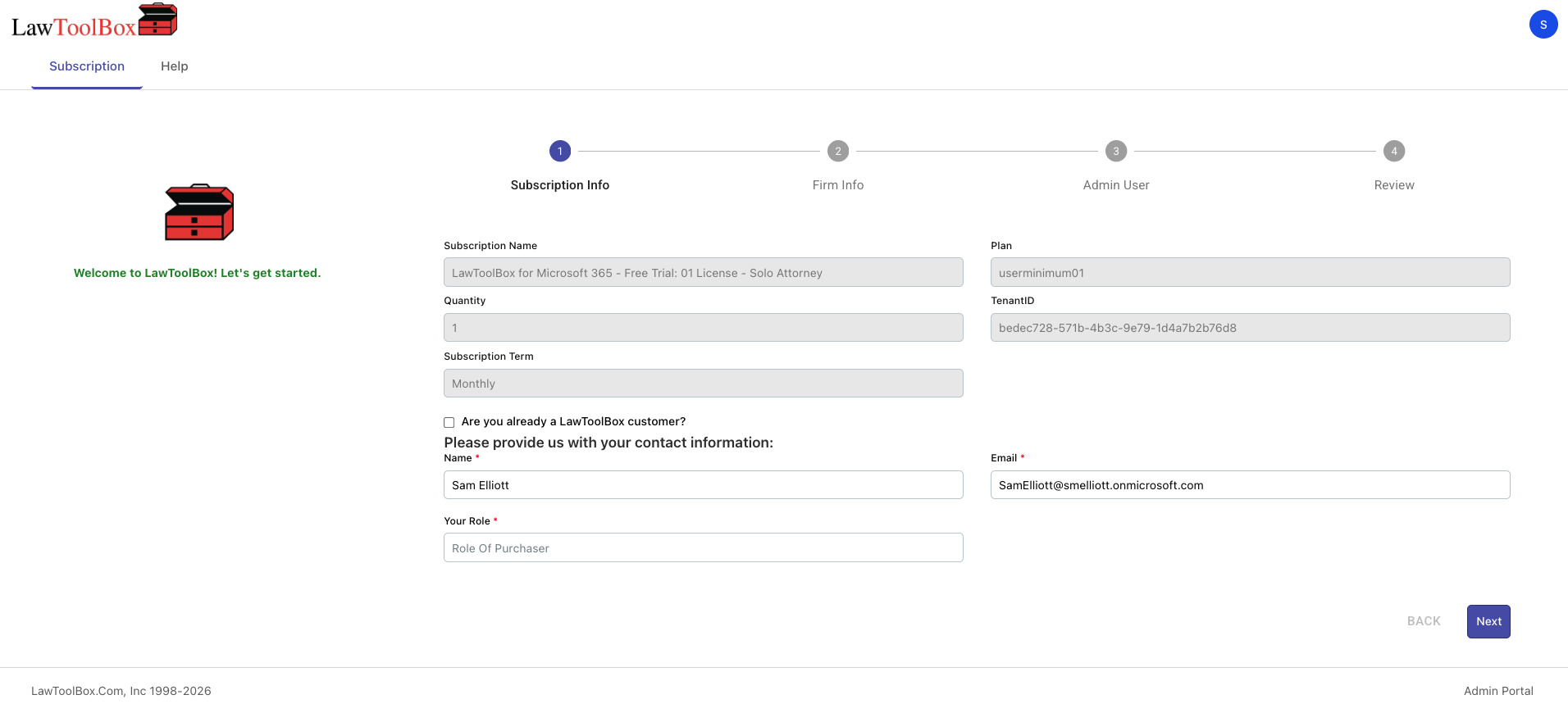
Welcome to LawToolBox!
See next: M365 Admin: Subscription Management