
New matters:
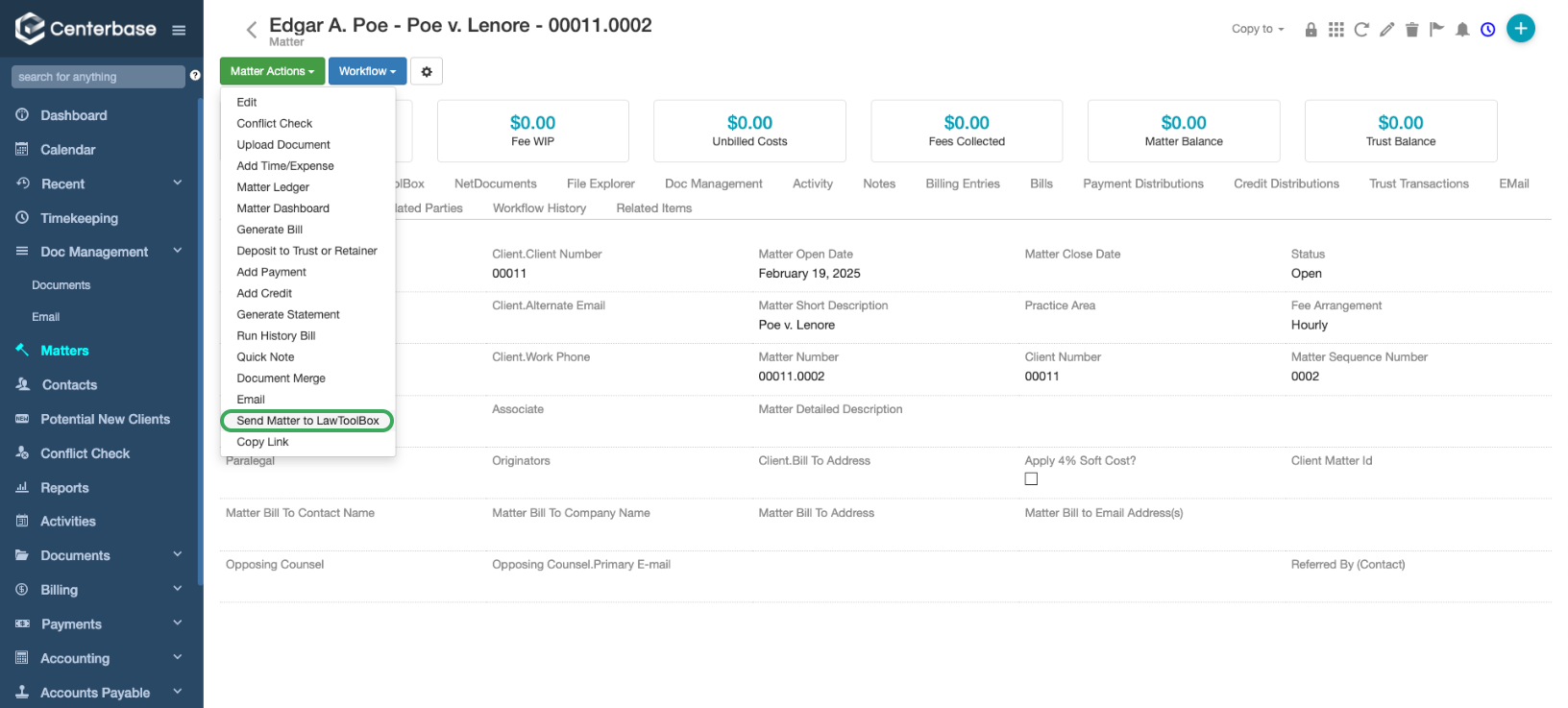
Use Matter Actions > Send Matter to LawToolBox
All users for the "Details" Page under Responsible Attorney, Associate, and Paralegal fields get synced to LawToolBox as shared users
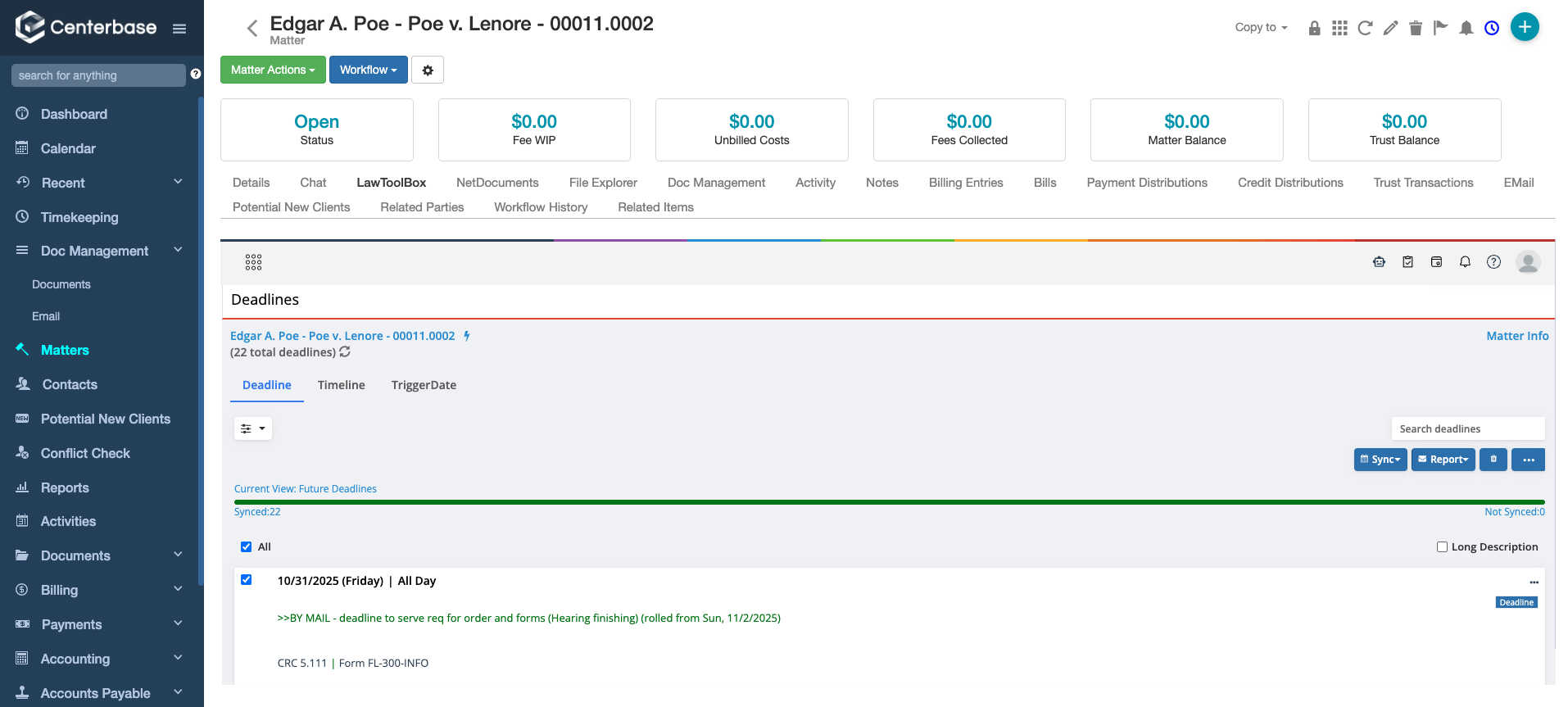
Visit the LawToolBox Tab:
On this page you can assign your state and jurisdiction
Add additional users (Legal Assistants, etc.)
Calculate deadlines and add miscellaneous events
- If you use NetDocuments, follow the prompt in LawToolBox to attach to the related workspace
- If you use SharePoint, the documents will be automatically connected to your Centerbase DMS
Step-by-step:
Step 1: Create Matter
| Centerbase > Matter Actions > Send matter to LawToolBox Details that get sent to LawToolBox:
| 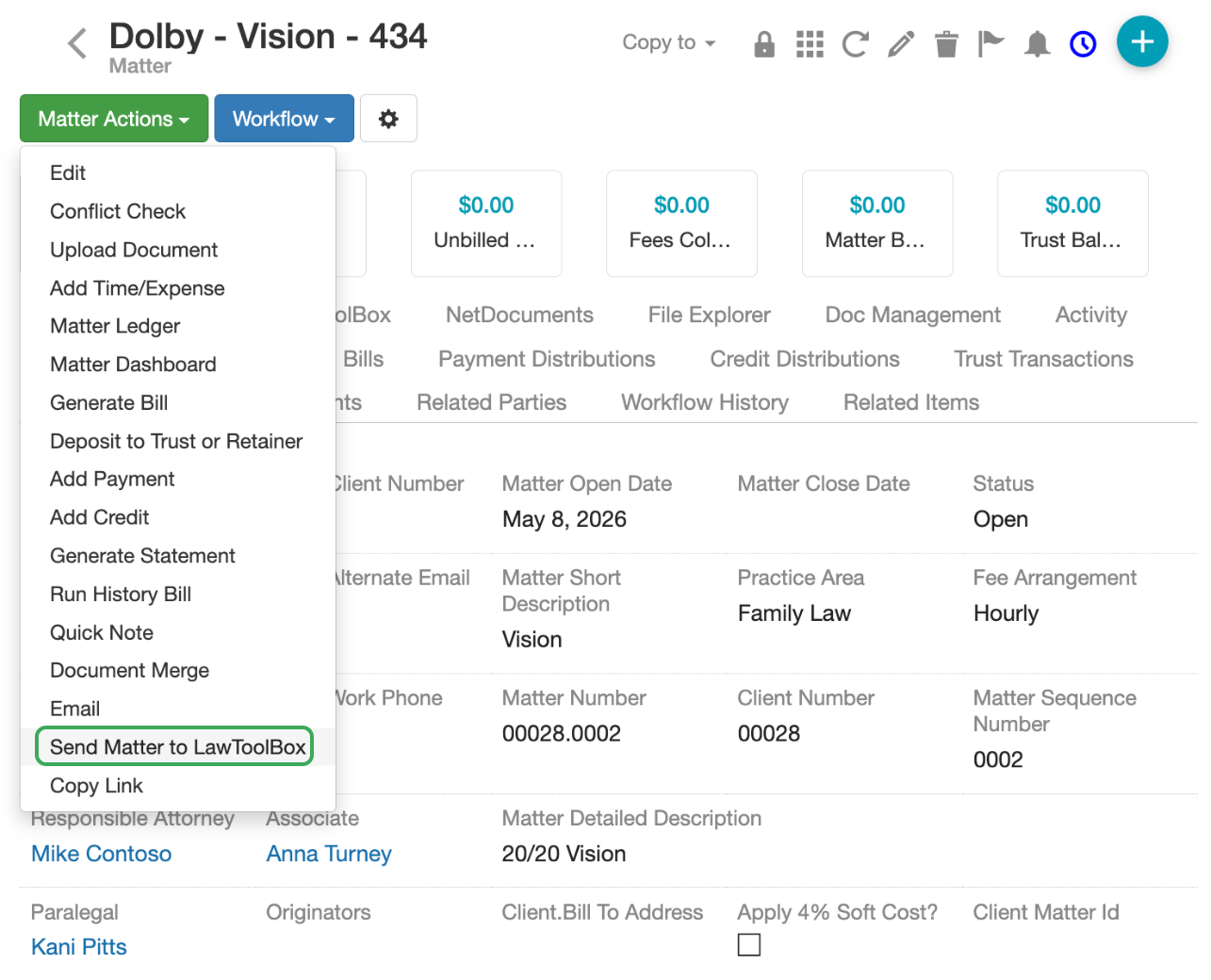 |
Centerbase users sent to LawToolBox User Details that get sent to LawToolBox:
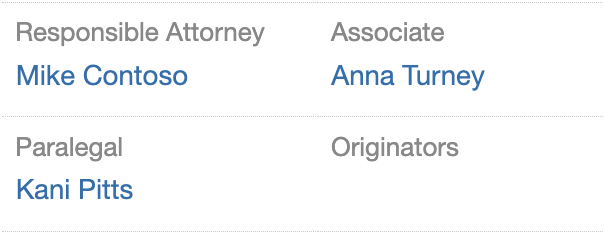 | "Create Group" in the LawToolBox Tab Allows you to share any additional users if needed
|
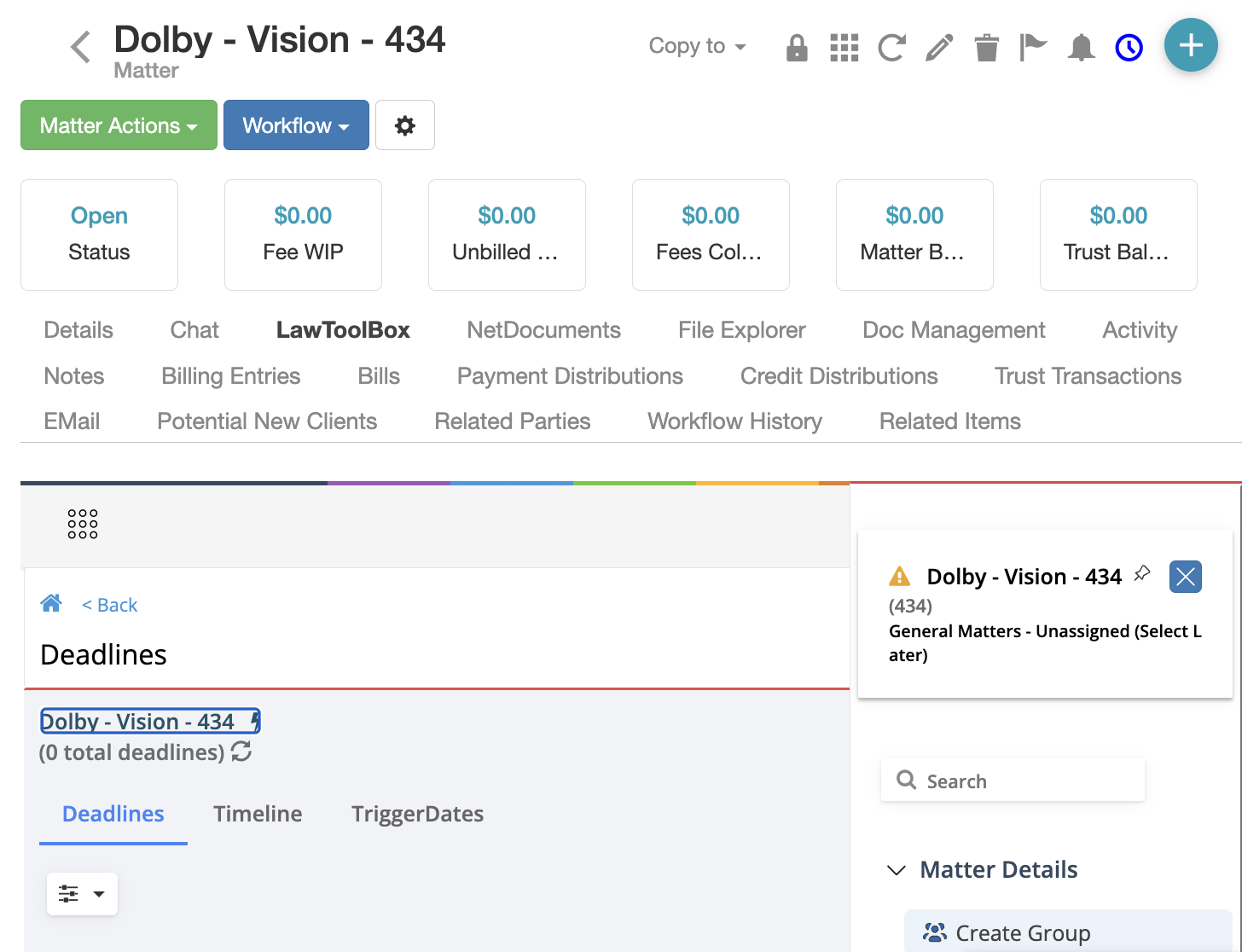
Step 2: Set up the Calendar
Click "Add Calculation" Access through the menu or the quick step button+ Calculate:  Or click the matter name: 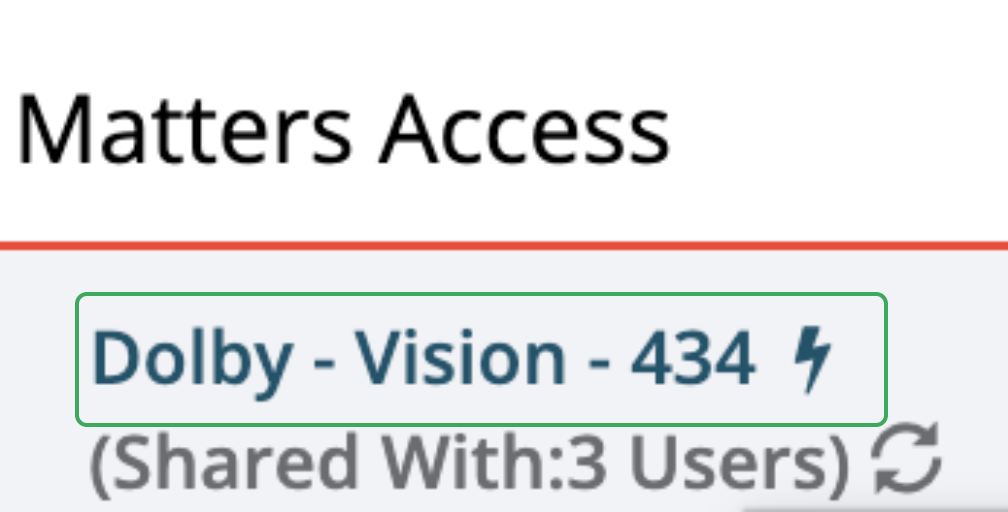 | Change matter from default "General Matters - Unassigned (Select Later)" to a state & ruleset jurisdiction of your choice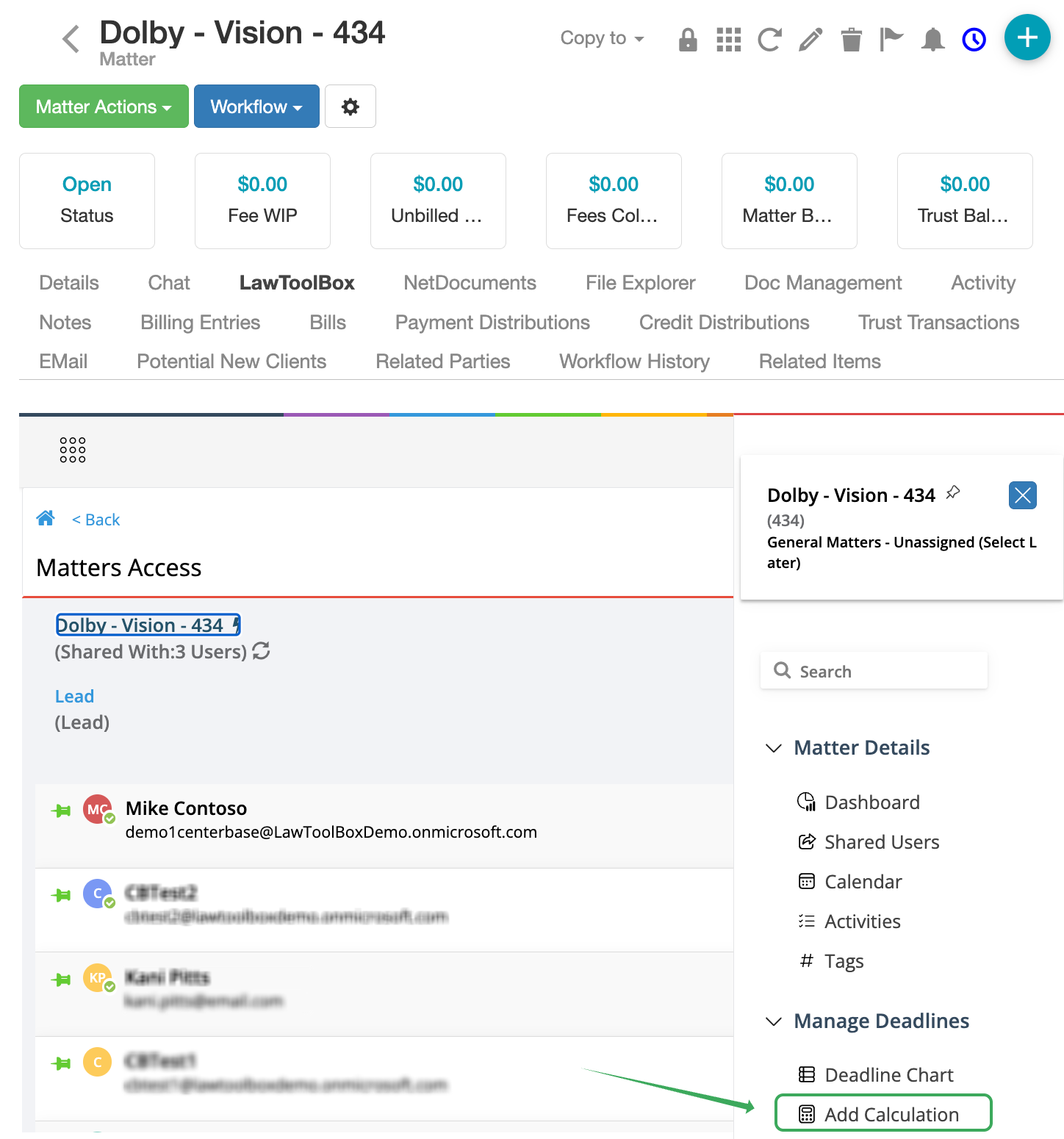 |
Assign state and ruleset | 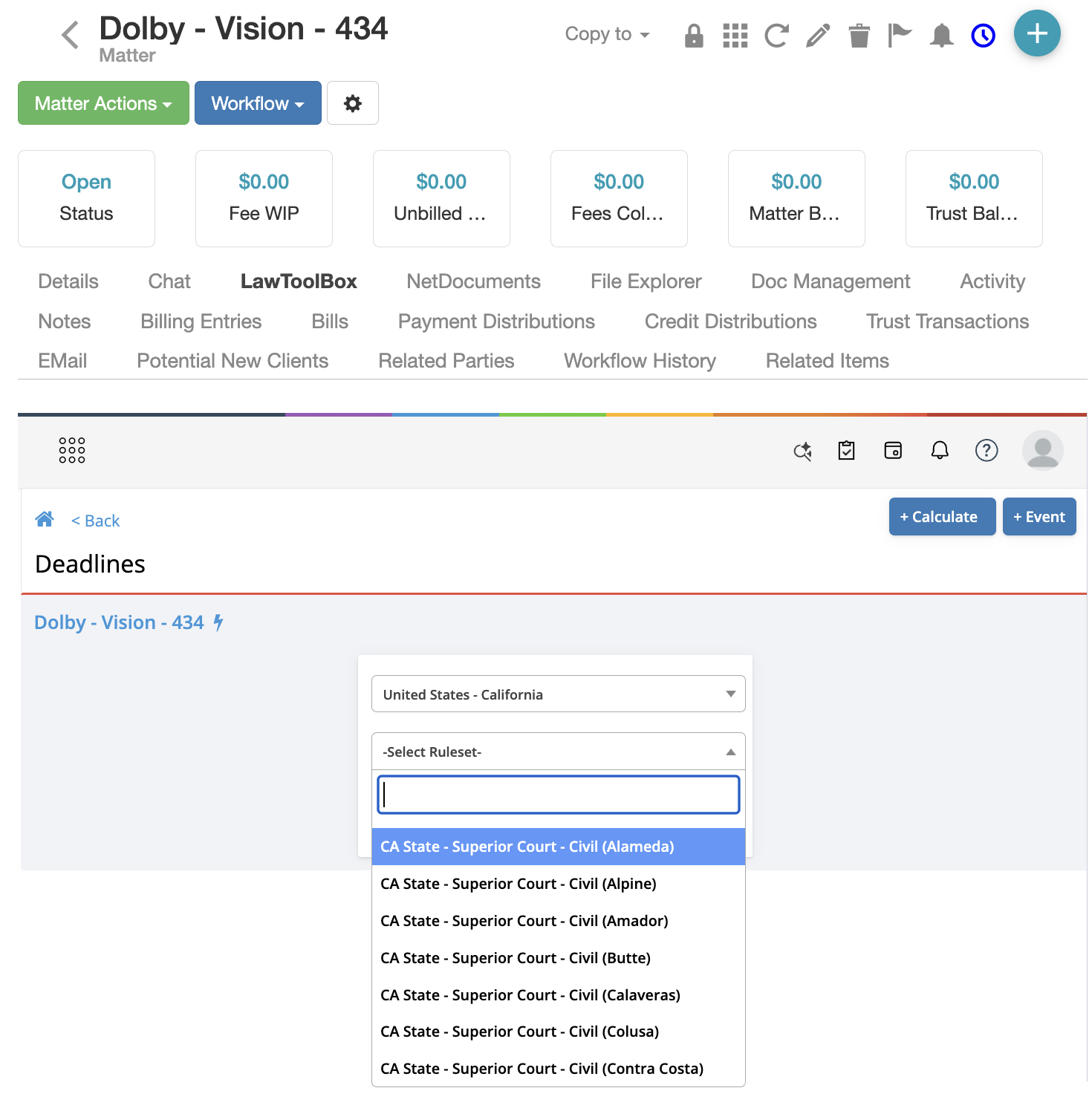 |
| Your Centerbase and LawToolBox matters are now linked! | Continue calendaring inside Centerbase or app.lawtoolbox.com FAQ - Calendar - Calculate deadlines |
More: