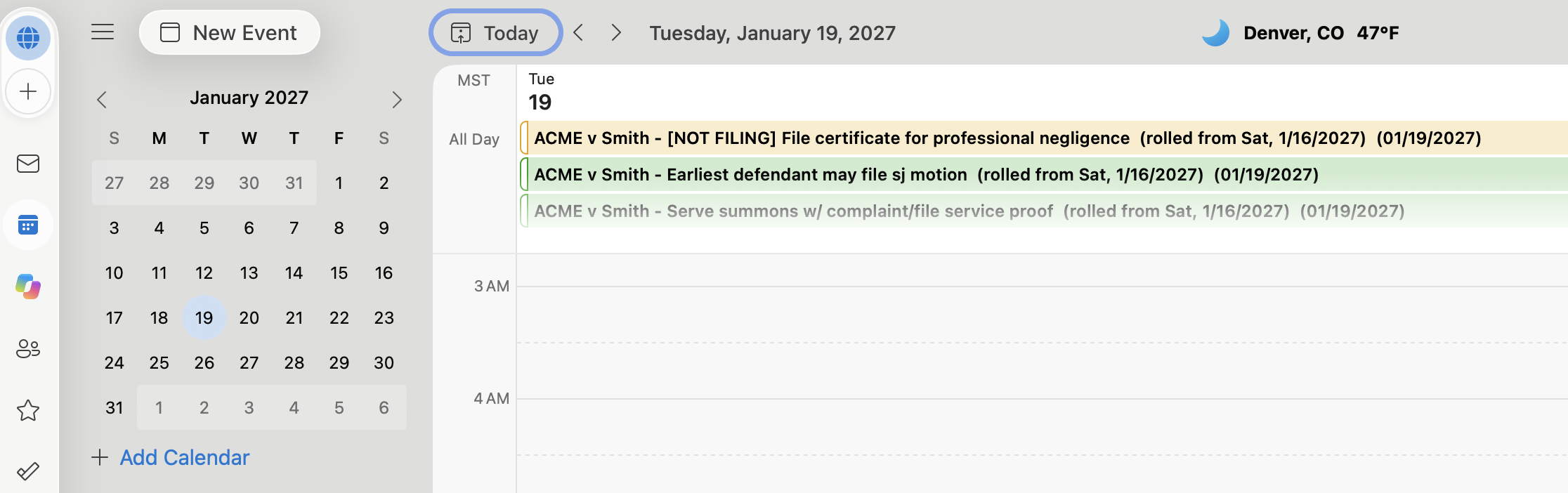
LawToolBox provides default labels, but your firm can add custom labels in the admin portal as needed.
This article will walk you through how to add custom labels for your users.
Open admin.lawtoolbox.com
Navigate to matters > manage labels
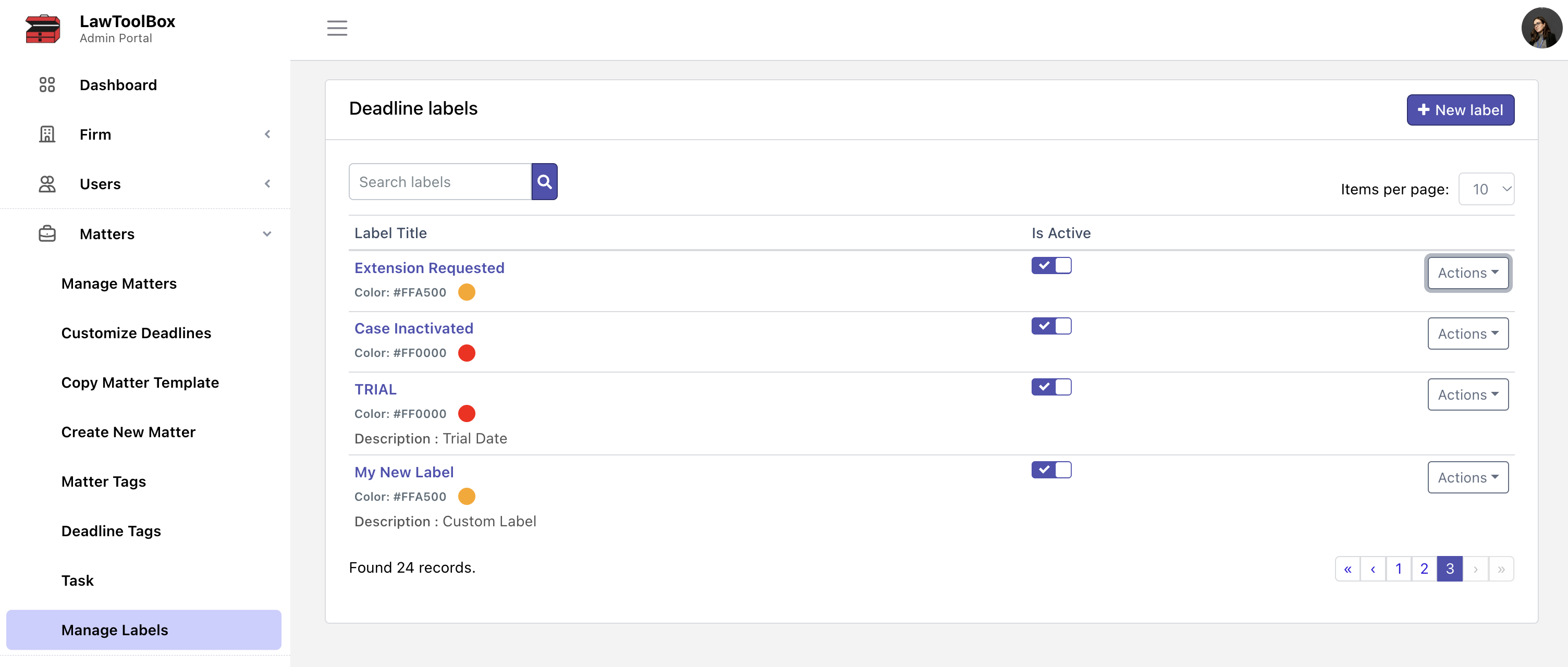
Click new Label to add a custom option with a color of your choice
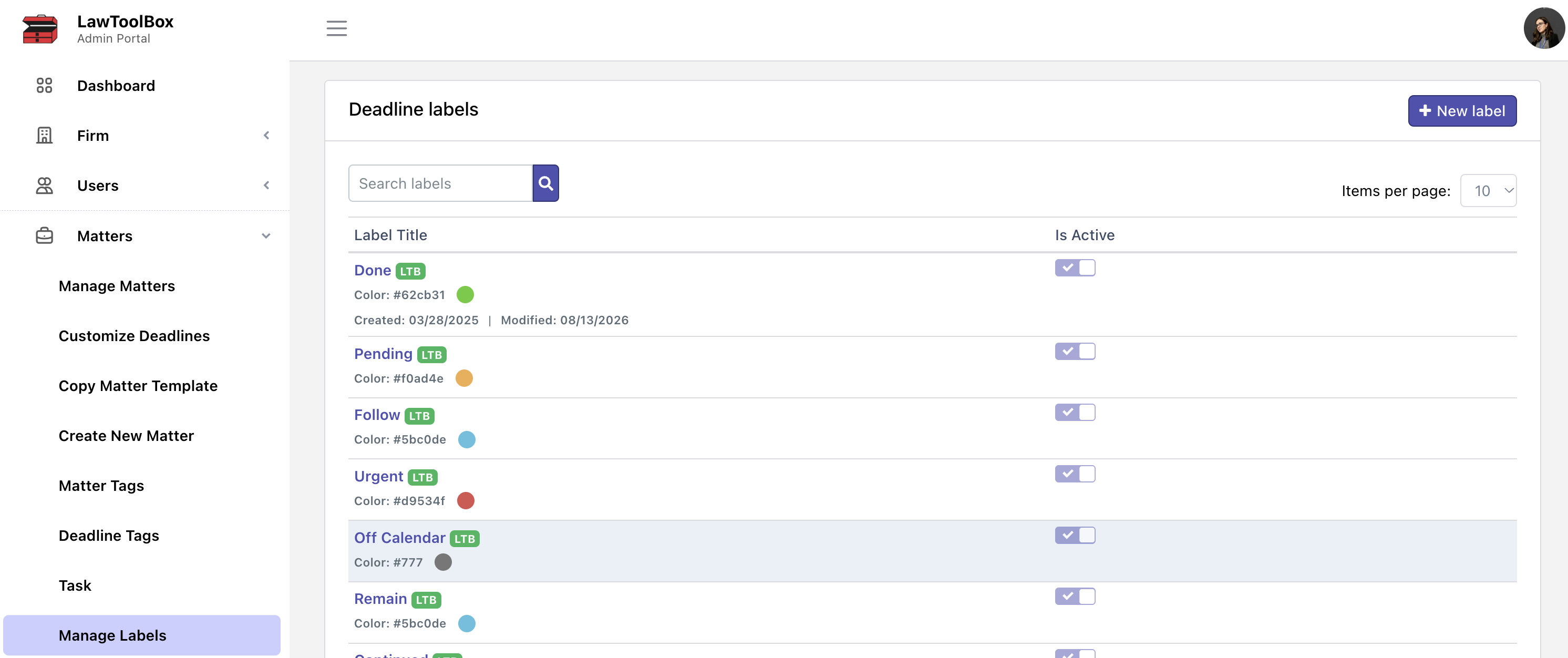
Add new label and internal admin note: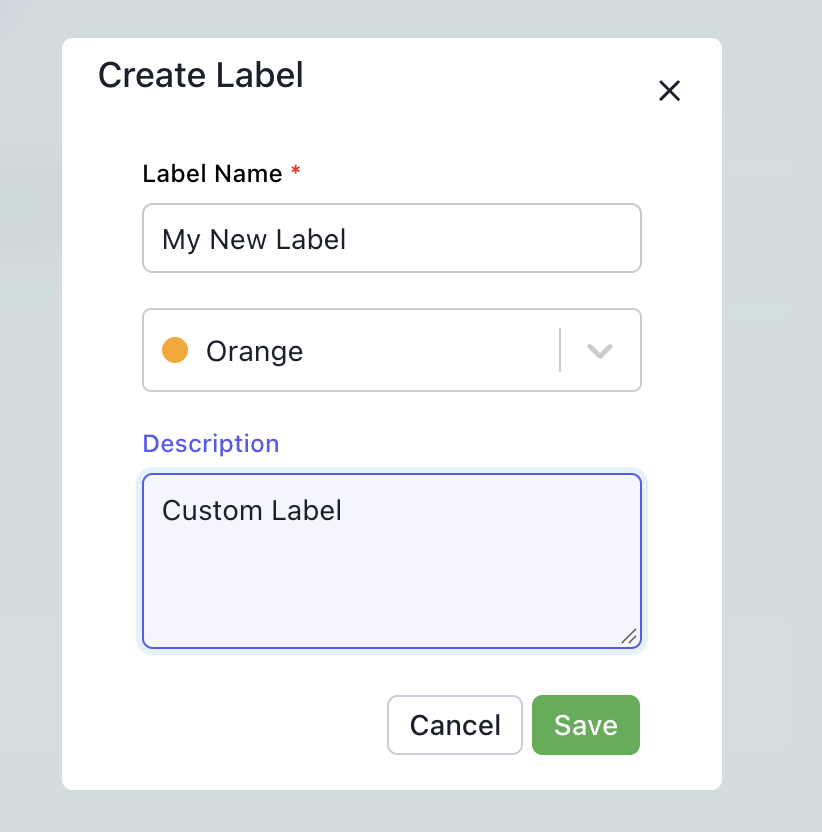
Custom labels can be turned on or off as needed:
Open LawToolBox app
See more FAQ - Edit - Adding & Creating Labels
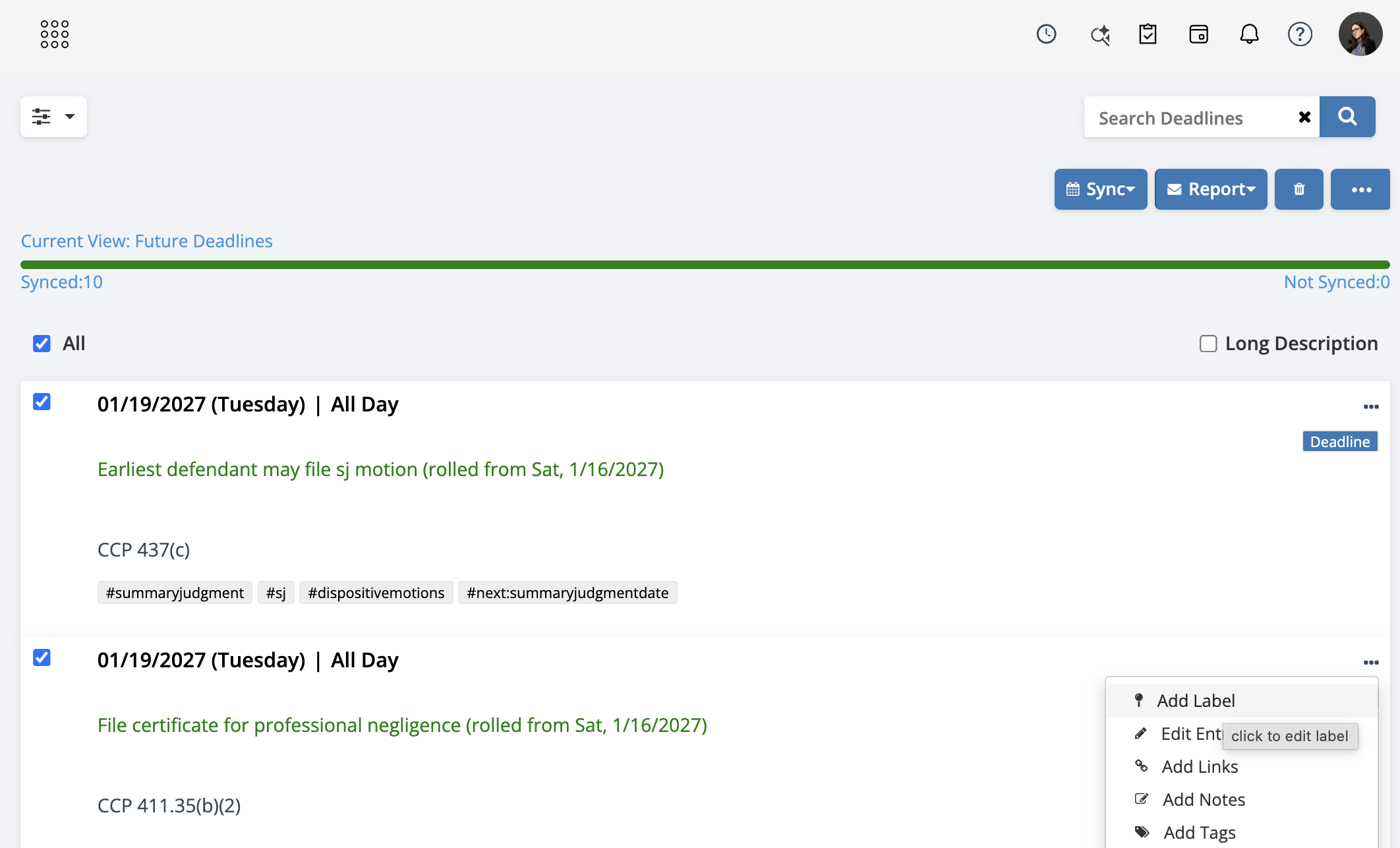
In the deadline chart users can add labels in the ellipsis for one entry or for a selection of events
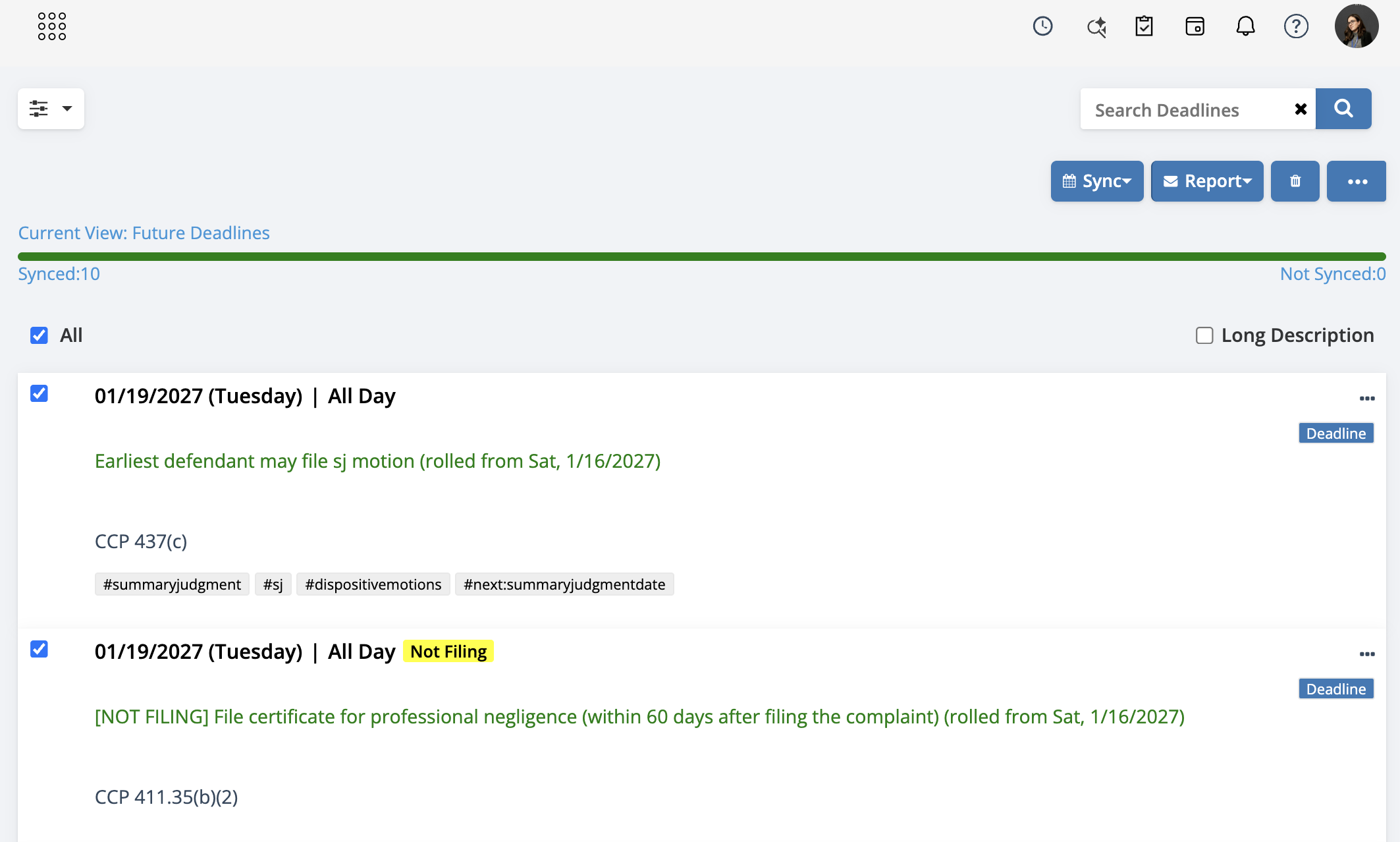
End result in LawToolBox:
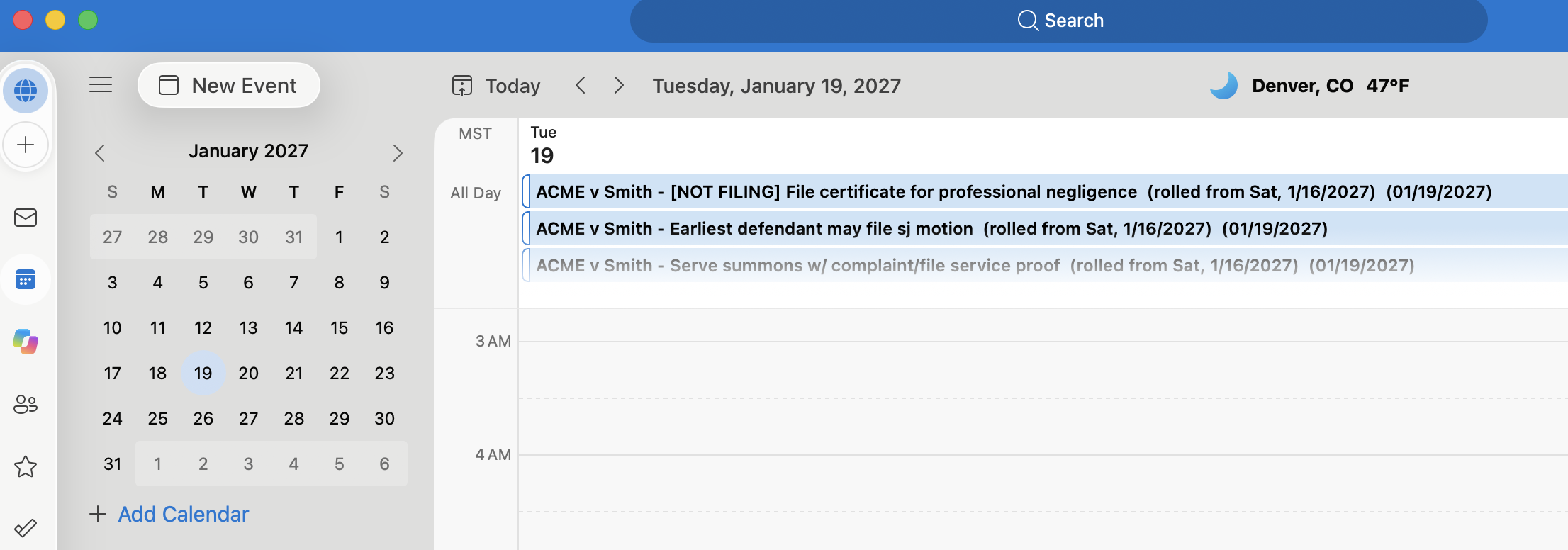
End result on Outlook:
Coming soon: